Jabra Logo
Jabra Logo

Get started using your product

Support resources

Documents

Loading component...

FAQs

Loading component...

Latest release notes

  • Release date:

    March 22, 2023
    Release version:1.0.6

    Details

    • Fixed: hissing noise in rare scenarios when docking the headsets in the charging case
  • Release date:

    March 22, 2023
    Release version:1.0.0

    Details

    • First public release
Complete release history

Safety and handling information

Loading component...

Contact Jabra Support

How-to videos

  • How to

    Pair and get the best performance

Find more videos on Youtube

Product registration

Get news from Jabra, offers and tips sent directly to your inbox

Warranty terms

Read our warranty and service information for business products

Accessories

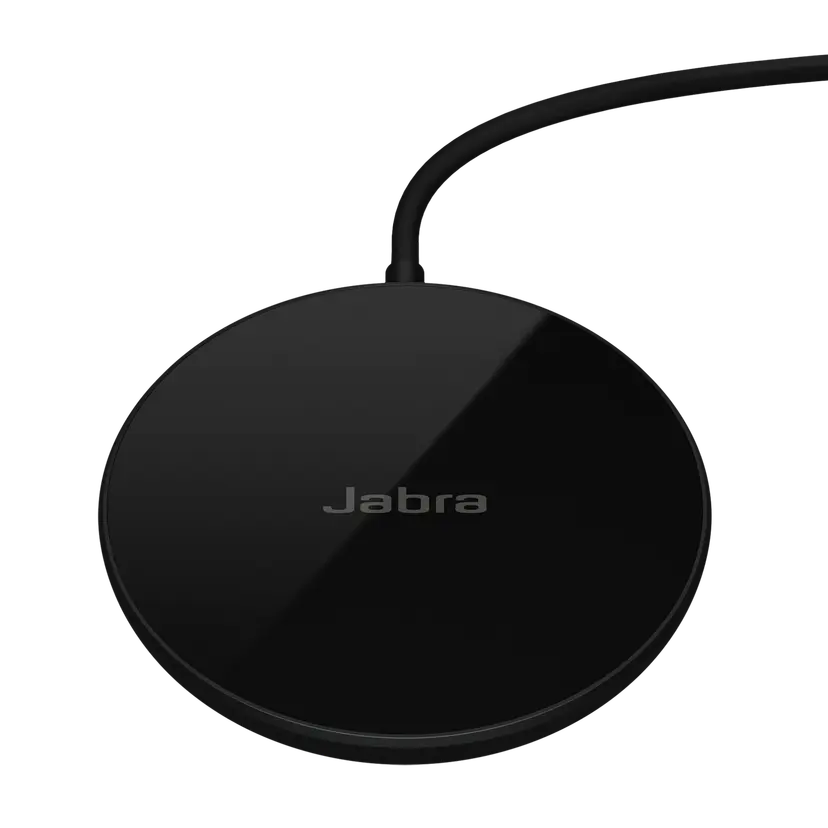
  • Jabra Wireless Charging Pad

    x xxx,xx xx(x xxx,xx xx x xxx xxx)
  1. Jabra Elite 4

About us

  • Our Story
  • Careers
  • Sustainability
  • News and press releases
  • Read our blog
  • Case studies
  • Our Story
  • Careers
  • Sustainability
  • News and press releases
  • Read our blog
  • Case studies

Support resources

  • Product support
  • User manuals
  • Bluetooth pairing guides
  • Compatibility Guide
  • How-to videos
  • Accessories
  • Identify your product
  • Product support
  • User manuals
  • Bluetooth pairing guides
  • Compatibility Guide
  • How-to videos
  • Accessories
  • Identify your product

FAQs

  • Bluetooth vs. DECT
  • How wireless headphones work
  • What is a good headset for iPhone?
  • What is a good headset for Skype?
  • Are Bluetooth headsets safe?
  • What is Spatial Sound?
  • Bluetooth vs. DECT
  • How wireless headphones work
  • What is a good headset for iPhone?
  • What is a good headset for Skype?
  • Are Bluetooth headsets safe?
  • What is Spatial Sound?

Get in touch

  • Contact Jabra Sales
  • Online Store Support
  • Contact Jabra Support
  • Register your product
  • Warranty terms
  • Become a Reseller
  • Enterprise end of life policy
  • Developer Zone
  • Contact Jabra Sales
  • Online Store Support
  • Contact Jabra Support
  • Register your product
  • Warranty terms
  • Become a Reseller
  • Enterprise end of life policy
  • Developer Zone
GN logo
  • Trademarks
  • Safety and Warning
  • Cookie Policy
  • Change Cookie Consent
  • Declarations of Conformity
  • Commercial Disclaimers
  • Privacy Policy
  • Security Center
  • Open Source Licenses
Document
Data sheet
Language
  • EnglishEnglish
  • Chinese SimplifiedChinese Simplified
  • DanishDanish
  • GermanGerman
  • SpanishSpanish
  • FrenchFrench
  • ItalianItalian
  • JapaneseJapanese
  • DutchDutch
  • PolishPolish
Type
pdf
Size
979.2 KB
Download
Document
User manual
Language
  • ArabicArabic
  • BulgarianBulgarian
  • CzechCzech
  • DanishDanish
  • GermanGerman
  • GreekGreek
  • EnglishEnglish
  • SpanishSpanish
  • Latin American SpanishLatin American Spanish
  • EstonianEstonian
  • FarsiFarsi
  • FinnishFinnish
  • FrenchFrench
  • Canadian FrenchCanadian French
  • HindiHindi
  • CroatianCroatian
  • HungarianHungarian
  • IndonesianIndonesian
  • ItalianItalian
  • JapaneseJapanese
  • KoreanKorean
  • LithuanianLithuanian
  • LatvianLatvian
  • MalaysianMalaysian
  • DutchDutch
  • NorwegianNorwegian
  • PolishPolish
  • PortuguesePortuguese
  • Brazilian PortugueseBrazilian Portuguese
  • RomanianRomanian
  • RussianRussian
  • SlovakSlovak
  • SlovenianSlovenian
  • SerbianSerbian
  • SwedishSwedish
  • ThaiThai
  • TurkishTurkish
  • UkrainianUkrainian
  • VietnameseVietnamese
  • Chinese SimplifiedChinese Simplified
  • Chinese TraditionalChinese Traditional
Type
pdf
Size
2.6 MB
Download
  • All categories
How do I update the firmware on my Jabra earbuds using Jabra Sound+?
How far away can I move from my smartphone while still staying within Bluetooth range?
How do I get the best experience when I unpack my new Jabra Elite 4 earbuds?
How do I use Google Fast Pair to pair my Jabra headset?
Are my Jabra true wireless earbuds protected against dust and water?
Showing 5 of 81

Safety alert symbol

  WARNING


  • INGESTION HAZARD: DEATH or serious injury can occur if ingested.
  • A swallowed button cell or coin battery can cause Internal Chemical Burns in as little as 2 hours.
  • KEEP new and used batteries OUT OF REACH OF CHILDREN.
  • Seek immediate medical attention if a battery is suspected to be swallowed or inserted inside any part of the body.
  • Contains a non-replaceable Li-ion coin battery.
  • Immediately dispose of used batteries and keep away from children. Do NOT dispose of batteries in household trash.
  • Even used batteries may cause severe injury or death.
  • Call a local poison control center for treatment information.
  • Do not mix old and new batteries, different brands or types of batteries, such as alkaline, carbon-zinc, or rechargeable batteries.
  • Ensure the batteries are installed correctly according to polarity (+ and -).
  • Remove and immediately discard batteries from equipment not used for an extended period of time.
  • Non-rechargeable batteries are not to be recharged.
  • Do not force discharge, recharge, disassemble, heat above (manufacturer’s specified temperature rating) or incinerate. Doing so may result in injury due to venting, leakage or explosion resulting in chemical burns.


Keep out of reach of children symbol